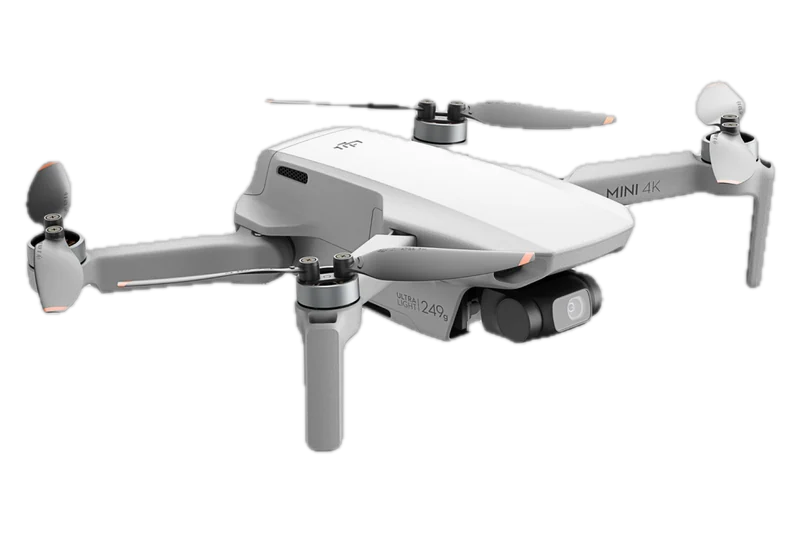
Palm takeoff and Palm Control
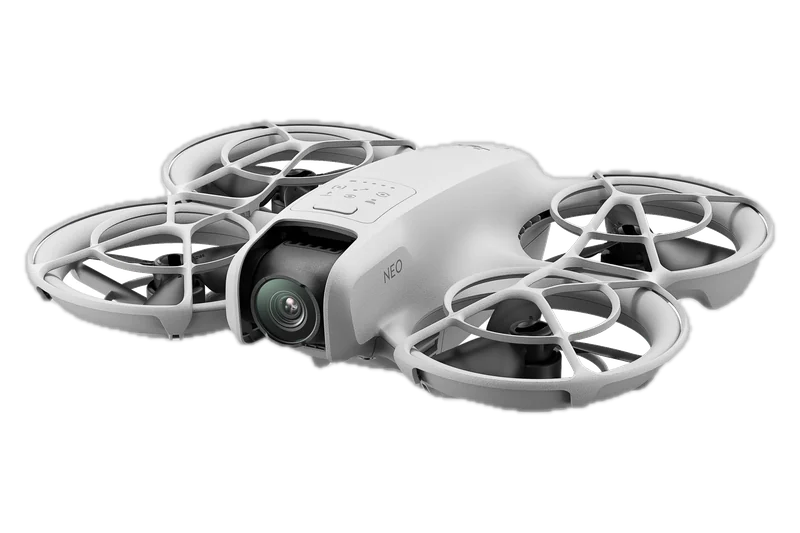
Palm Control allows the drone to take off from your palm and land on it. The Mode button switches shooting modes, and the Neo starts recording once it has confirmed its subject; no extra accessory is needed, and its Smart Snaps track people only. DJI's palm guidance: fly in as windless a place as possible, hold your palm flat and still, keep clear of the propellers and do not grab the Neo in flight.
Phone and voice: the DJI Fly app
Mobile App Control runs in the DJI Fly app over Wi-Fi, with on-screen virtual joysticks for manual control, and voice control works through the phone in English or Mandarin. Return to Home is not supported in Palm Control or Mobile App Control, so DJI says to keep the Neo in sight and not to fly it over water. If the Neo has not connected to the app for more than 90 days, palm and app takeoff stay disabled until it connects again.
Indoors: what DJI and the FAA say
DJI's texts point two ways. Its FAQ says the Neo “can also fly close to the ground or navigate indoors”, and its product page says indoors and out. Its user manual says to fly only in open areas: not to take off from a balcony or within 49.2 ft (15 m) of buildings, to keep 49.2 ft (15 m) from buildings in flight, and to fly only in the daytime and within visual line of sight. Its safety guidelines add that some flight safety functions may be limited indoors, for lack of light or space, so take extra care. The FAA's FAQ answers that “Part 107 would not apply to operations conducted indoors”: FAA rules cover flights outdoors, in the National Airspace System.
No obstacle avoidance
The Neo does not support obstacle avoidance. Its downward sensing is for positioning, and DJI says to fly it in an open area or within visual line of sight.