4/3 CMOS sensor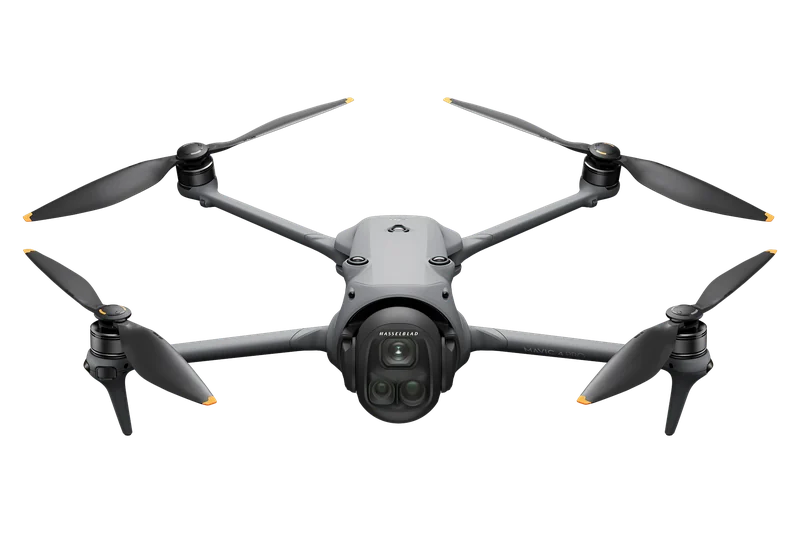
DJI Mavic 4 Pro
- Largest photo
- 100 MPJPEG, DNG (RAW)
- Top video
- 6K6016×3384
- Gimbal
- 3-axismechanical
Why you fly picks the FAA rules for a photo flight; the camera, its modes and the shooting tips come from each drone's maker, named on every line.
Drone photography in the U.S. flies under one of two rulebooks, chosen by purpose: purely for fun under the recreational law, anything else under Part 107, and when in doubt the FAA says to assume Part 107.
The FAA sorts a photo flight by its purpose, not by pay (“Compensation, or the lack of it, is not what determines if a flight was recreational or not”), and its examples of Part 107 flights include “taking photos to help sell a property or service”, such as photos for a real estate listing, and pictures of a high school football game for the school's website. Flying purely for fun or personal enjoyment falls under the recreational law with the TRUST certificate, anything else, a photography business included, needs a remote pilot certificate under Part 107, and “When in doubt, assume Part 107.” Our drone license guide covers both paths, and the TRUST certificate page the recreational test.
The FAA's pages, the law and the makers' pages and manuals on this page were read on November 14, 2026 and checked for this page on November 14, 2026.
That is a Part 107 flight, paid or not. The drone license guide covers the test and the certificate.
Drone license guideEither way the ceiling is 400 feet above the ground, with a structure exception under Part 107.
Where. What decides a spot is its no-fly zones, airspace, the height ceiling, wind and daylight. Can I fly here? checks them for a place and a drone, under recreational or Part 107 rules.
Check the spotHow high. Both rulebooks stop at 400 feet: a recreational flight in Class G airspace flies “not more than 400 feet above ground level”, and Part 107 allows more only within 400 feet of a structure, up to 400 feet above its top. The FAA's recreational list adds that controlled airspace needs a LAANC or DroneZone authorization first, and our guide to how high a drone can fly covers the rest.
400 ftNational parks. The National Park Service says: “Uncrewed aircraft may be prohibited at the park you are visiting.” It points you to the park's website and to the superintendent, who may designate an area or issue a special use permit (its example is a park illustrator's aerial photography for a visitor map), and our national parks guide has the details.
May be bannedPick the spot and the drone; it checks the no-fly zones, the airspace, the height ceiling, wind and daylight.
Check your spotPart 107 bars flying over people outside a few cases; the recreational law has no over-people rule; state and local laws on privacy and trespass generally still apply.
Under Part 107. 14 CFR 107.39 bars flying over a person unless that person is directly participating in the flight, is under a covered structure or inside a stationary vehicle, or the flight meets one of four categories.
Four categoriesCategory 1 is a drone of 0.55 lb (249 g) or less, everything on board included, at takeoff and throughout the flight, with no exposed rotating parts that would lacerate human skin; sustained flight over open-air assemblies in Category 1 also needs Remote ID (107.110). In the FAA's overview, Categories 2 and 3 are for drones over 0.55 lb without a part 21 airworthiness certificate, Category 3 never over open-air assemblies, and Category 4 needs a part 21 airworthiness certificate. Over moving vehicles, Categories 1 to 3 need a closed or restricted-access site with notice, or no sustained flight over the vehicles (107.145). This page gives no verdict on any drone's category: we read no maker's statement on the rotating-parts condition.
14 CFR 107.39, 107.110 and 107.145 (eCFR); FAA, Operations Over People General OverviewFlying for fun. The recreational law, 49 U.S.C. 44809, has no over-people category: the words people and human do not appear in it. The FAA encourages the community-based organizations whose safety guidelines recreational flyers follow to put “restrictions on operations over people” in those guidelines.
In our drone records, 3 models broadcast Remote ID only with a named battery: Antigravity A1 (High-Capacity Flight Battery), DJI Mini 3 (Intelligent Flight Battery Plus) and DJI Mini 4 Pro (Intelligent Flight Battery Plus). With that battery each weighs more than 0.55 lb (249 g); our Remote ID guide says what that changes.
Private property and privacy. In the view of the FAA and the Department of Transportation, state and local laws on privacy, voyeurism, harassment and trespass on property are generally not preempted, and “Since 2013, at least 44 States have enacted laws relating to UAS”. Our guide to flying over private property has the state-by-state table.
State lawsA process convened by the NTIA wrote voluntary “Guidelines for Neighborly Drone Use” for recreational operators in 2016: if you can, tell people before you take pictures or video of them; do not violate a reasonable expectation of privacy; do not fly over private property without permission if that is easily avoided; do not harass people. DJI's manual for the Mini 4 Pro asks you to respect the privacy of others when using the camera and to comply with local privacy laws, and repeats the line in each automatic shooting mode.
Every one of the 14 drones in our data takes photos and video: each maker lists a photo size and a video resolution, with stills from 12 MP to 100 MP, the largest on the DJI Mavic 4 Pro.
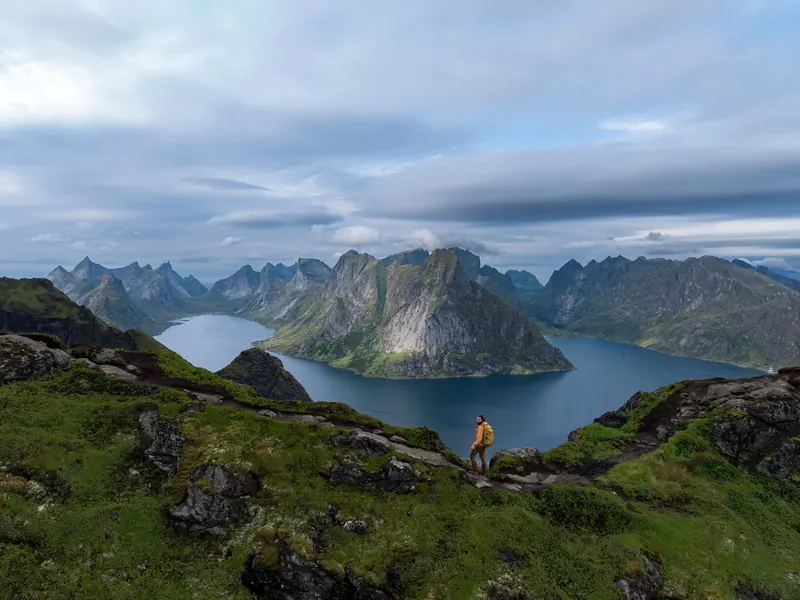
The 14 drones in our camera table shoot stills from 12 MP to 100 MP. Three of them shot the photos below; tap one to see it large.
10 of them save RAW (DNG) photos, and 9 carry a 3-axis gimbal. The figures are as each maker prints them; Compare two drones has the full spec sheets.
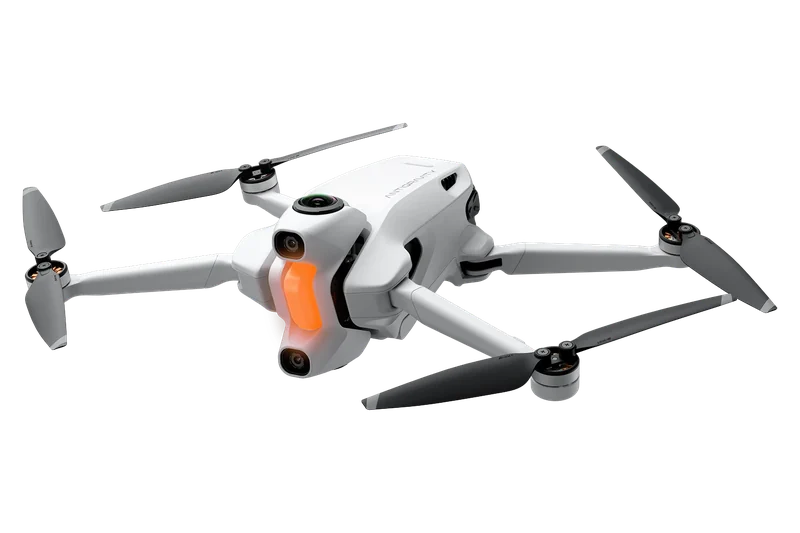
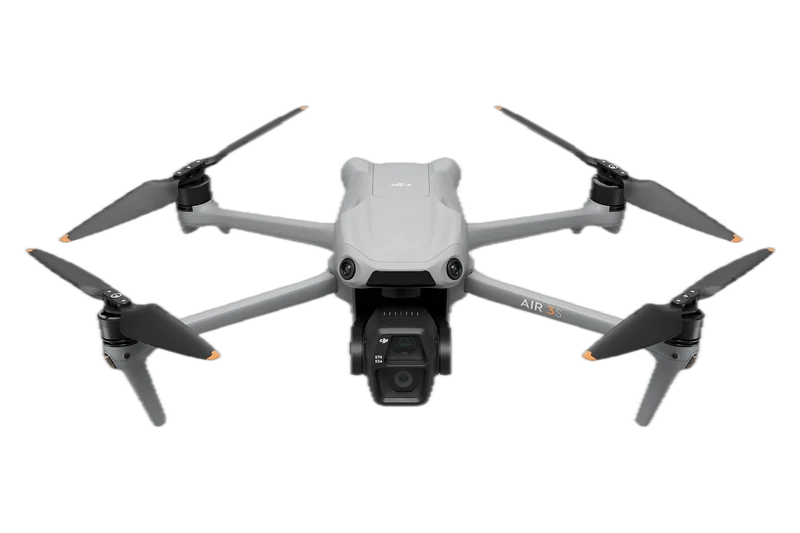
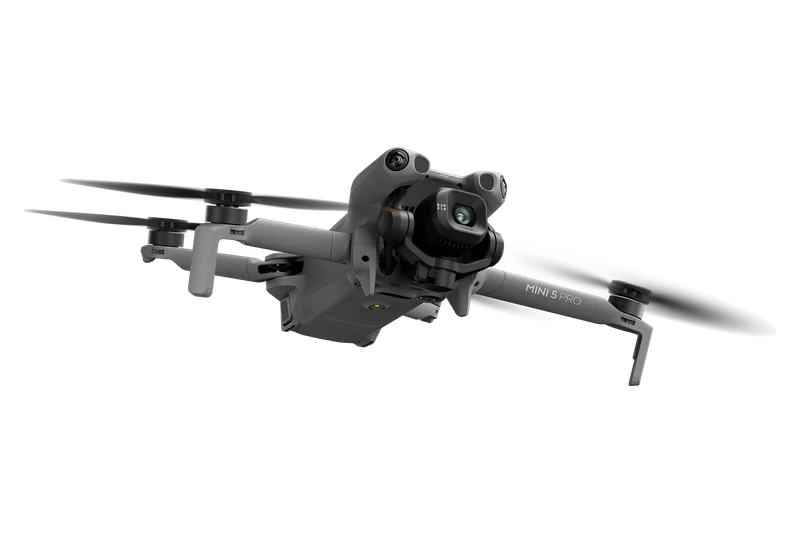
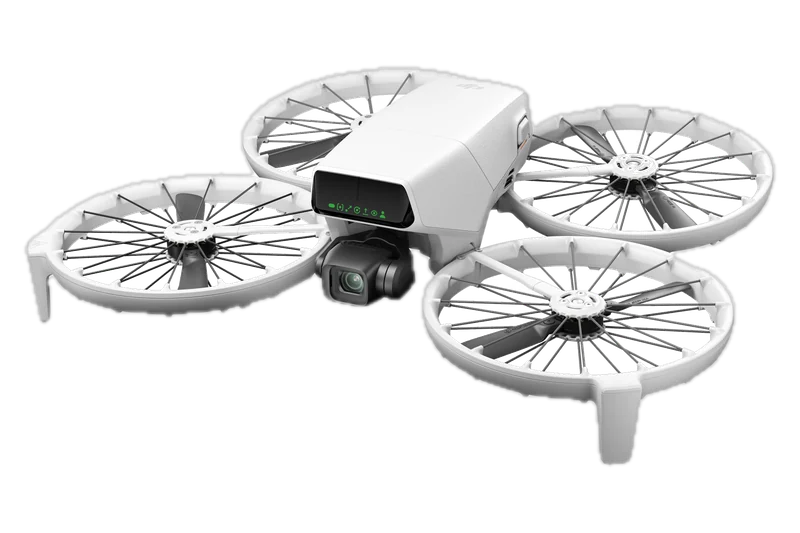
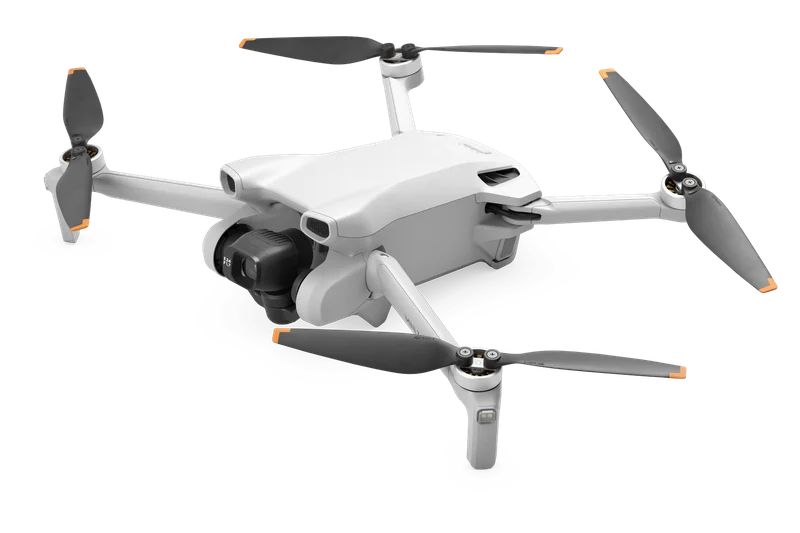
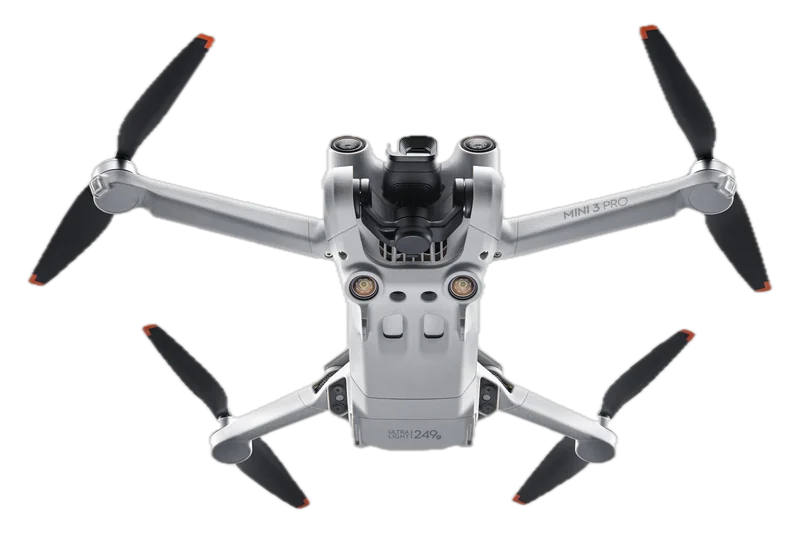
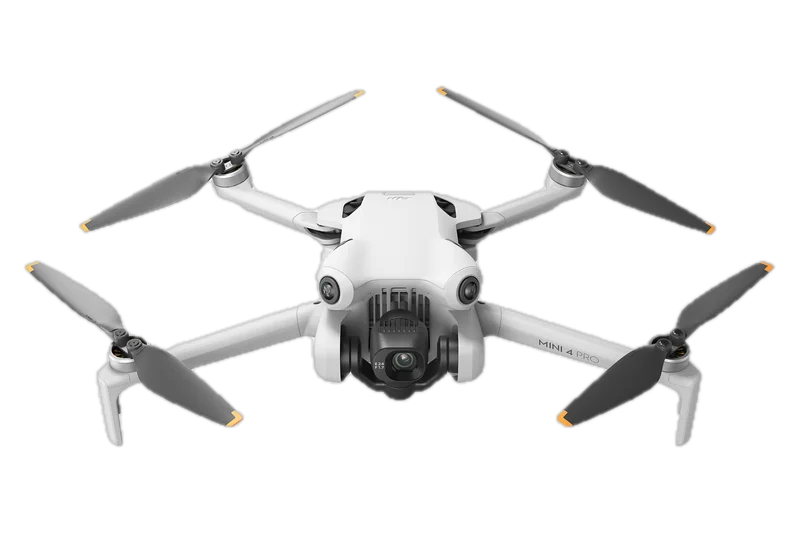
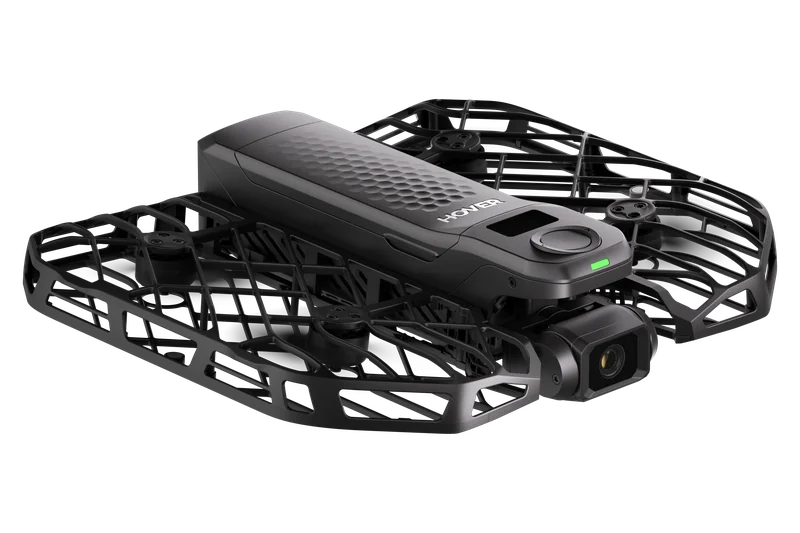
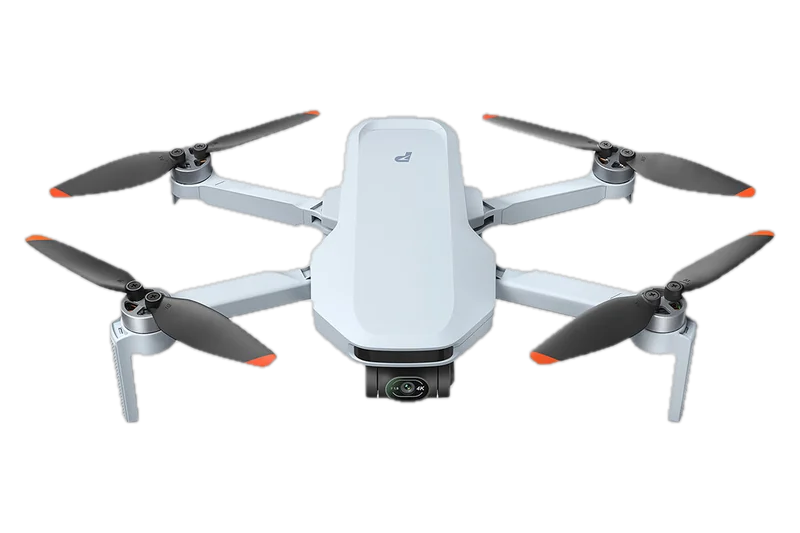
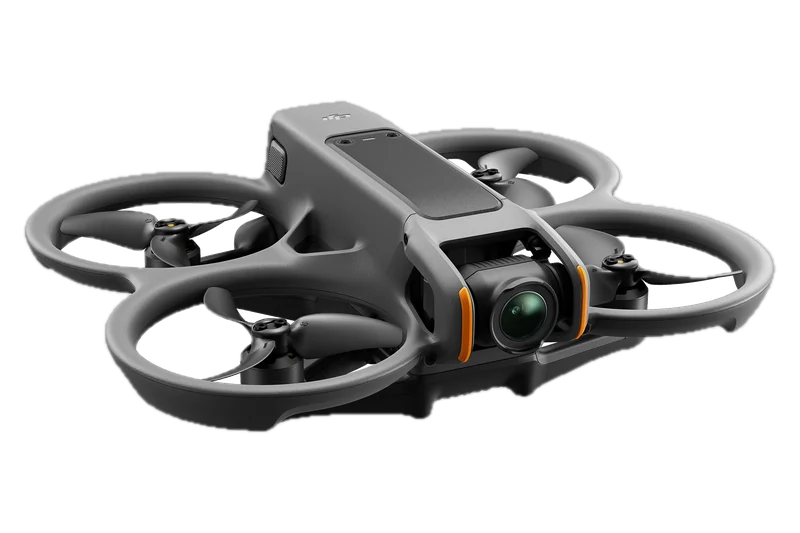
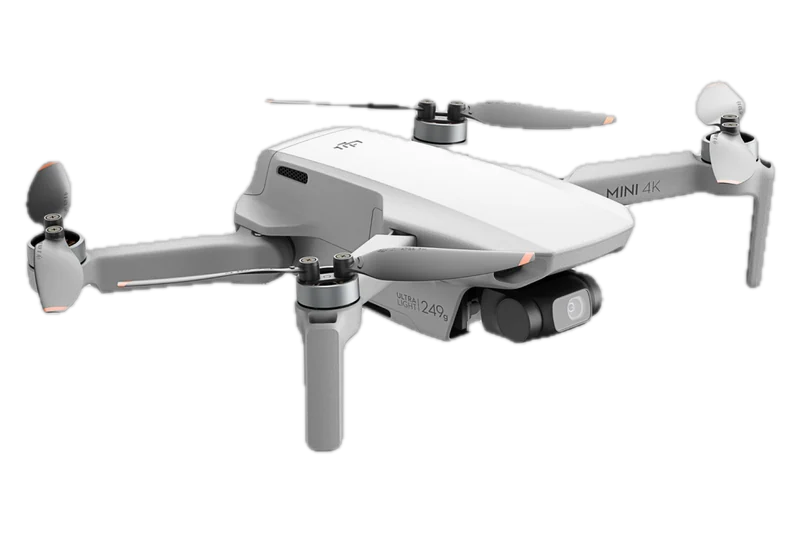
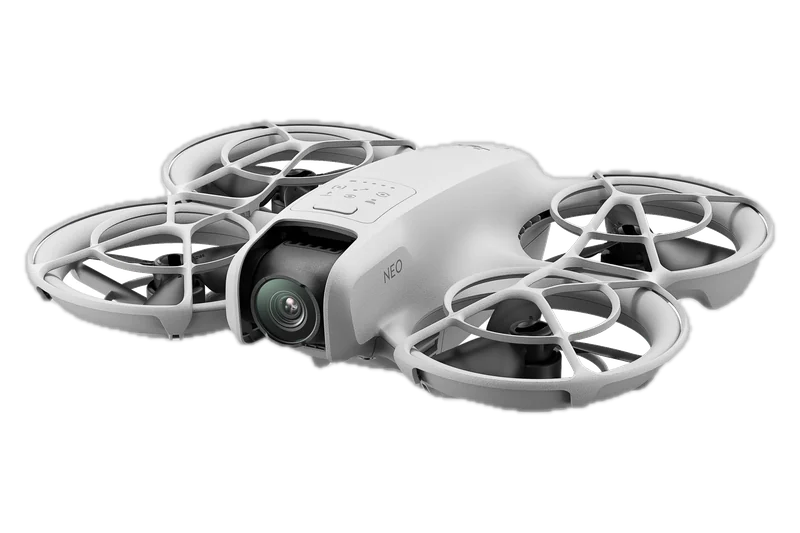
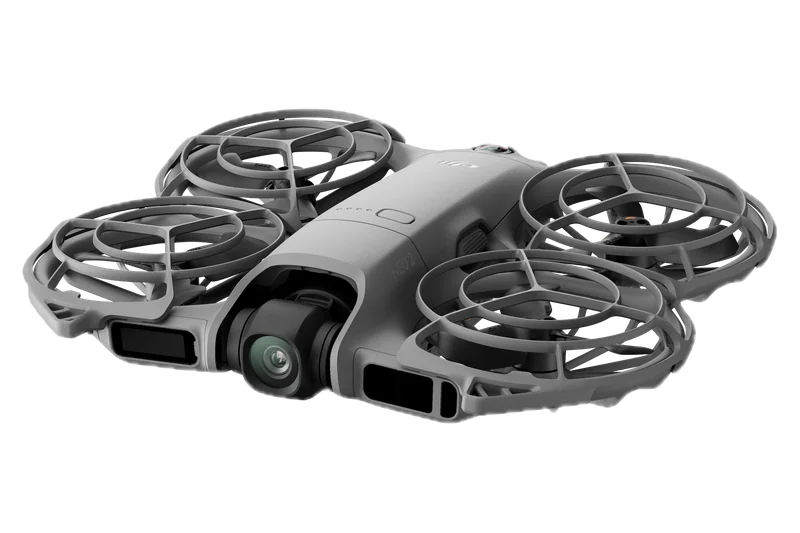
| Drone | Sensor | Largest photo | Photo format | Top video | Gimbal |
|---|---|---|---|---|---|
| Antigravity A1 | 1/1.28-inch (360 camera) | 55 MP (10496×5248); 14 MP (5248×2624) | INSP (exported through the Antigravity app or Studio); DNG | 8K 7680×3840 at 30/25/24 fps; 5.2K at 60 fps; 4K 3840×1920 at 100 fps (360 video, INSV) | No gimbal listed (360 camera) |
| DJI Air 3S | Wide-angle 1-inch CMOS 50 MP; medium tele 1/1.3-inch CMOS 48 MP | Wide-angle 8192×6144 | JPEG/DNG (RAW) | 4K 3840×2160 at 24-60 fps, and 120 fps (slow motion); FHD to 240 fps (slow motion); 2.7K vertical 1512×2688 | 3-axis mechanical (tilt, roll, pan) |
| DJI Avata 2 | 1/1.3-inch, 12 MP | 4000×3000 (4:3); 4000×2256 (16:9) | JPEG | 4K (4:3) 3840×2880 at 30/50/60 fps; 4K (16:9) 3840×2160 at 30/50/60/100 fps | Single-axis mechanical (tilt); EIS RockSteady 3.0+ and HorizonSteady |
| DJI Flip | 1/1.3-inch | 48 MP 8064×6048 | JPEG, DNG/RAW | 4K 3840×2160 at 24-60/100 fps; FHD to 100 fps; 2.7K and FHD vertical | 3-axis mechanical (tilt, roll, pan) |
| DJI Mavic 4 Pro | Hasselblad 4/3 CMOS 100 MP; medium tele 1/1.3-inch 48 MP; tele 1/1.5-inch 50 MP | Hasselblad 12288×8192 | JPEG, DNG (RAW) | 6K 6016×3384 at 24-60 fps; DCI 4K and 4K to 120 fps (slow motion) | 3-axis mechanical (tilt, roll, pan) |
| DJI Mini 3 | 1/1.3-inch CMOS 48 MP | 8064×6048 | JPEG/DNG (RAW) | 4K 3840×2160 at 24/25/30 fps; 2.7K and FHD to 60 fps | 3-axis mechanical (tilt, roll, and pan) |
| DJI Mini 3 Pro | 1/1.3-inch CMOS 48 MP | 8064×6048 | JPEG/DNG (RAW) | 4K 3840×2160 at 24-60 fps; slow motion 1080p at 120 fps | 3-axis mechanical (tilt, roll, and pan) |
| DJI Mini 4 Pro | 1/1.3-inch CMOS 48 MP | 8064×6048 | JPEG/DNG (RAW) | 4K 3840×2160 at 24-60 fps, and 100 fps (slow motion); FHD to 200 fps (slow motion) | 3-axis mechanical (tilt, roll, pan) |
| DJI Mini 4K | 1/2.3-inch CMOS, 12 MP effective | 4000×3000 | JPEG/DNG (RAW) | 4K 3840×2160 at 24/25/30 fps; 2.7K and FHD to 60 fps | 3-axis (tilt, roll, pan) |
| DJI Mini 5 Pro | 1-inch CMOS 50 MP | 8192×6144 | JPEG/DNG (RAW) | 4K 3840×2160 at 24-60 fps, and 120 fps (slow motion); FHD to 240 fps (slow motion) | 3-axis mechanical (tilt, roll, pan) |
| DJI Neo | 1/2-inch | 12 MP 4000×3000 (4:3); 4000×2256 (16:9) | JPEG | EIS off 4K (4:3) 3840×2880 at 30 fps; EIS on 4K (16:9) 3840×2160 at 30 fps | Single-axis mechanical (tilt); EIS RockSteady, HorizonBalancing |
| DJI Neo 2 | 1/2-inch CMOS | 12 MP 4000×3000 (4:3); 4000×2250 (16:9) | JPEG | 4K (4:3) 3840×2880 at 30/50/60 fps; 4K (16:9) 3840×2160 at up to 100 fps; 2.7K vertical | 2-axis mechanical (tilt, roll) |
| HOVERAir X1 PRO | 1/2-inch | Up to 48 MP | JPEG | 4K 3840×2160 at 24-60 fps; 1080p to 120 fps; slow motion 1080p at 100/120 fps | 2-axis mechanical (tilt, roll), with EIS and horizon leveling |
| Potensic ATOM 2 | 1/2-inch CMOS 48 MP | 8000×6000 (4:3); 1696×3000 (9:16) | JPG, or JPG and RAW (DNG) | 4K 3840×2160 (16:9) at 24/25/30 fps; 2.7K at 24/25/30; FHD to 60 fps | 3-axis (tilt, roll, pan) |
| Drone | Bracketing and still modes | Color modes | Storage | microSD | Maker's page |
|---|---|---|---|---|---|
| Antigravity A1 | Standard Photo, HDR, Burst, AEB | Not listed on the maker's page | 20 GB | Yes, up to 1 TB | Antigravity A1 specs page (U.S.) |
| DJI Air 3S | AEB 12 MP 3/5/7 frames, 50 MP 3/5 frames at 0.7 EV step; Burst; Timed | Normal (8-bit H.264, 10-bit H.265); HLG, D-Log M 10-bit | 42 GB | Yes | DJI Air 3S specs page (U.S. region) |
| DJI Avata 2 | None listed on DJI's page | Standard, D-Log M | 46 GB | Yes | DJI Avata 2 specs page (U.S. region) |
| DJI Flip | AEB 12 MP 3/5/7 frames at 2/3 EV step; Burst; Timed | Normal, D-Log M | 2 GB | Yes | DJI Flip specs page (U.S. region) |
| DJI Mavic 4 Pro | AEB 25 MP 3/5/7 frames, 100 MP 3/5 frames at 0.7 EV step | Normal 8/10-bit; HLG, D-Log M, D-Log 10-bit | 64 GB (about 42 GB available); Creator Combo 512 GB (about 460 GB available) | Yes | DJI Mavic 4 Pro specs page (UK English; no U.S. page) |
| DJI Mini 3 | AEB 12 MP 3 frames at 2/3 EV step; Panorama Sphere, 180°, Wide Angle; HDR in Single Shot | Normal | None (DJI prints “N/A”) | Yes | DJI Mini 3 specs page (U.S. region) |
| DJI Mini 3 Pro | AEB 12 MP 3/5 frames at 2/3 EV step; Burst; Panorama Sphere, 180°, Wide Angle, Vertical; HDR in Single Shot | Normal, D-Cinelike (no D-Log, says DJI's FAQ) | None (DJI's FAQ) | Yes (UHS-I Speed Class 3 or above) | DJI Mini 3 Pro support page with specs and FAQ (U.S. region) |
| DJI Mini 4 Pro | AEB 12 MP 3/5/7 frames, 48 MP 3/5 frames at 0.7 EV step; Burst; Timed | Normal 8-bit; HLG, D-Log M 10-bit (H.265) | 2 GB | Yes | DJI Mini 4 Pro specs page (U.S. region) |
| DJI Mini 4K | AEB 3 frames at 2/3 EV step; Single; Interval | Not listed in DJI's manual | Not listed in DJI's manual | Yes (UHS-I Speed Grade 3 or above) | DJI Mini 4K user manual v1.0 (English) |
| DJI Mini 5 Pro | AEB 12 MP 3/5/7 frames, 50 MP 3/5 frames at 0.7 EV step | Normal 8/10-bit; HLG, D-Log M 10-bit | 42 GB | Yes | DJI Mini 5 Pro specs page (UK English; no U.S. page) |
| DJI Neo | Single/Timed Shot | Normal | Not listed by DJI | Not listed by DJI | DJI Neo specs page (U.S. region) |
| DJI Neo 2 | Single/Timed Shot | Normal | 49 GB | No | DJI Neo 2 specs page (UK English; no U.S. page) |
| HOVERAir X1 PRO | Not listed for the X1 PRO | Standard (8-bit) | 32 GB | Yes | HOVERAir X1 PRO and PROMAX page with specs |
| Potensic ATOM 2 | Bracketing (BRK), 3 or 5 frames at 12 MP, JPG; Panorama 180°, Vertical, Wide Angle, Sphere | HDR, P-Log (P-Log at 2.7K and 4K only) | None (photos and video go to the microSD card) | Yes (U3 or V30 rating or above) | Potensic ATOM 2 specs page; user manual V08 (2025.12) |
Every shooting tip here is a maker's sentence about its own drone, named; none is ours.
Each line names the drone, and the maker's document and page it comes from.
DJI's Mini 4 Pro manual says to use the ND filter if the exposure time needs to be prolonged.
Each maker names its own photo and video modes; here they are by drone, in the maker's words.
The camera table above gives every drone's bracketing steps; DJI's own lines for the Mini 4 Pro:
The makers' automatic modes fly a preset move and record it.
Their names and their limits, in each maker's words; DJI's manual repeats its privacy line in each of them.
DJI's Mini 4 Pro manual asks for an area clear of buildings, with no people, animals or obstacles in the flight path.
The tools, the rules and the guides around a photo flight.
Yes. Every one of the 14 drones in our data can take pictures and videos, with stills from 12 MP to 100 MP; the largest is the DJI Mavic 4 Pro's. In DJI's waypoint flight on the Mini 4 Pro you can set the drone to take a photo at each waypoint.
Yes, by the FAA's own examples: “taking photos to help sell a property or service” is a Part 107 flight, and the FAA says anyone flying for “commercial, government, or any other non-recreational purposes” flies as a certificated remote pilot, that is, FAA Part 107 certified. A person may not combine recreational and commercial purposes in a single flight, AC 91-57D adds. Our drone license guide covers the test and the certificate.
The FAA's own steps are a certificate: the TRUST certificate for flying purely for fun, the remote pilot certificate under Part 107 for anything else. Our drone license guide covers both; this page names no course.
Each maker's own app. DJI's Mini 4 Pro manual has you select MasterShots in DJI Fly; Potensic starts AI QuickShots from the flight interface of the Potensic Eve App; Antigravity exports the A1's 360 photos through the Antigravity app or Studio.
Under Part 107, only as 14 CFR 107.39 allows: over people directly participating in the flight, under a covered structure or inside a stationary vehicle, or in one of the four categories above. The recreational law has no over-people rule, and the FAA encourages community-based organizations to restrict operations over people in their safety guidelines.
The National Park Service: “Uncrewed aircraft may be prohibited at the park you are visiting.” The options it names are the park's website and the superintendent, who may designate an area or issue a special use permit. Our national parks guide has more.
DJI's Mini 4 Pro manual says to use the ND filter if the exposure time needs to be prolonged. DJI lists ND filter sets as optional accessories: ND 16/64/256 for the Mini 4 Pro and ND 8/32/128 for the Mini 5 Pro.
Documents are named, not linked. Each was read on November 14, 2026 for the research and checked for this page on November 14, 2026.
Photos: DJI press images. Product photos by Antigravity, HOVERAir, Potensic and DJI.